The same information is entered more than once.
Customer and order details move between spreadsheets and systems without a clear shared source.

Keep customer, order, and operational information connected. Configure business systems and integrations around the way your team works.
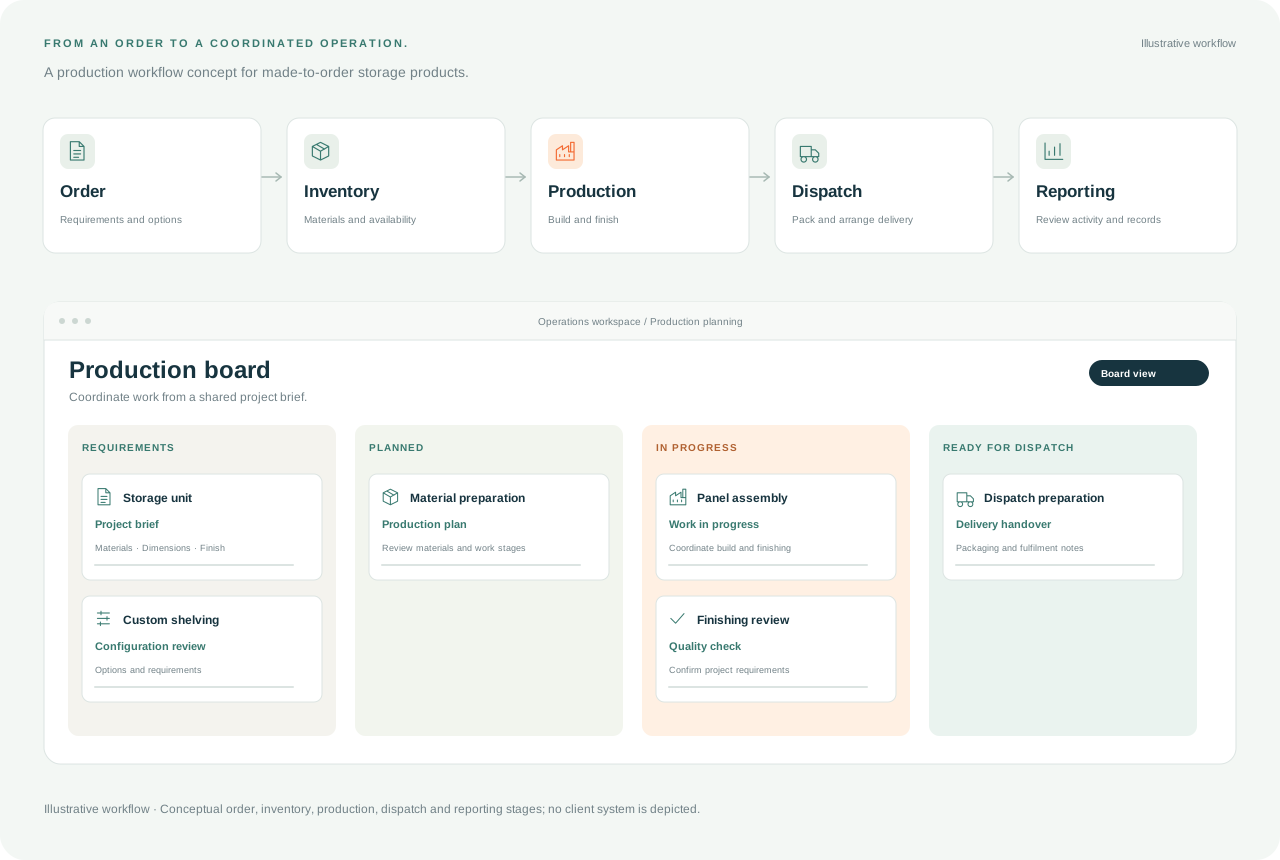
Bring customer, order, and operational information into a workflow your team can follow. Plan ERP, CRM, and system connections around who owns the work and where information needs to move.
Customer and order details move between spreadsheets and systems without a clear shared source.
Sales, administration, and operations track work differently, making status and responsibility hard to follow.
Fields, update rules, access, and exception handling need to be defined before information moves between tools.
Document the steps, records, and responsibilities behind your current process before deciding which connections to build.
Review how your existing ERP, CRM, payment, or operational tools can exchange the information the workflow needs.
Validate representative records and handovers, then document the agreed way to use and maintain the connections.
Manufacturers and wholesalers connecting sales and operations · Businesses linking customer and order information · Teams replacing repeated manual data transfer
Identify the records, owners, and manual steps involved. Agree on which workflow to connect first.
Define the field mappings, access requirements, update rules, and integration work included in the scope.
Review normal and exception scenarios with representative data and prepare the agreed team guidance.
Not necessarily. We begin by reviewing the tools and process you already have. The scope may focus on configuring a workflow, connecting existing systems, or developing a missing component where it is needed.
Choose a workflow where a clear record moves between teams, such as a customer request becoming an order. We identify the necessary fields, who owns them, and which system should be the source for each update.
We agree on representative records and normal and exception scenarios. The review covers the scoped field mappings, update behavior, and team handovers, with responsibilities and operating guidance defined for the project.
Features, design, integrations, and support requirements shape the project scope and quote.
Choose your solution, share your requirements, and prepare your application for the AIYA team.